Accessing Version History
Open the ⋯ more-options menu in the toolbar and choose Version History.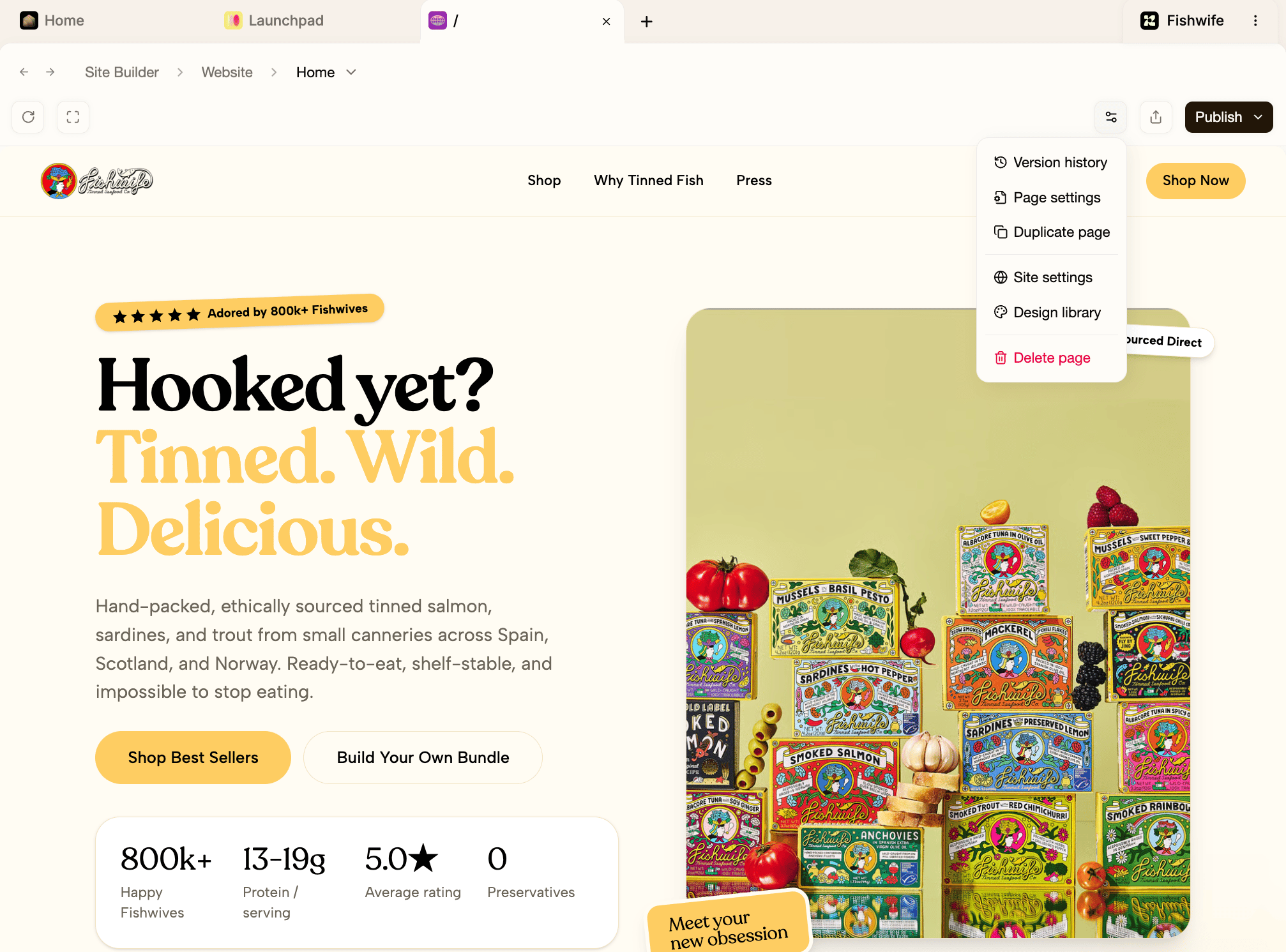
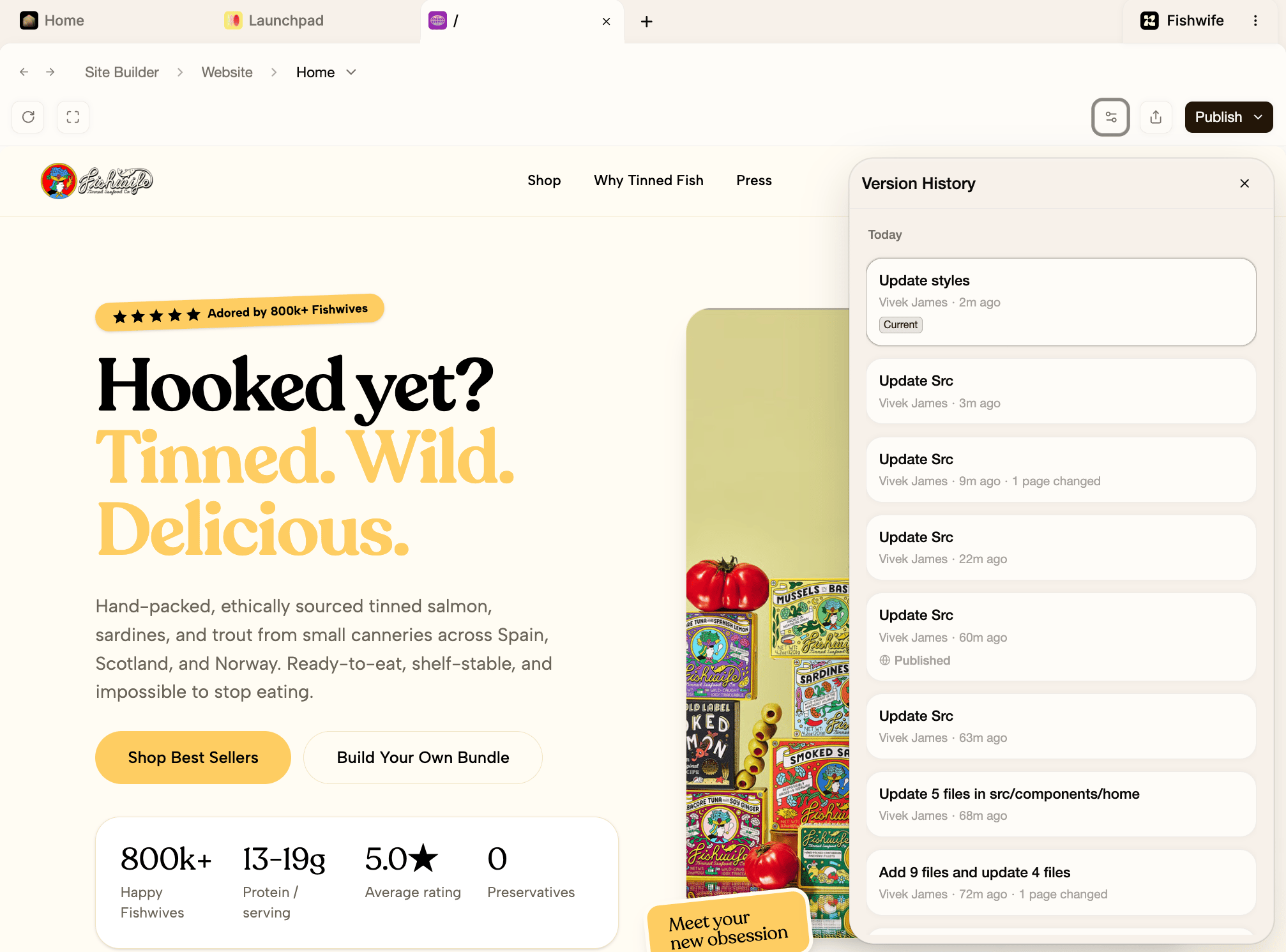
Previewing and restoring
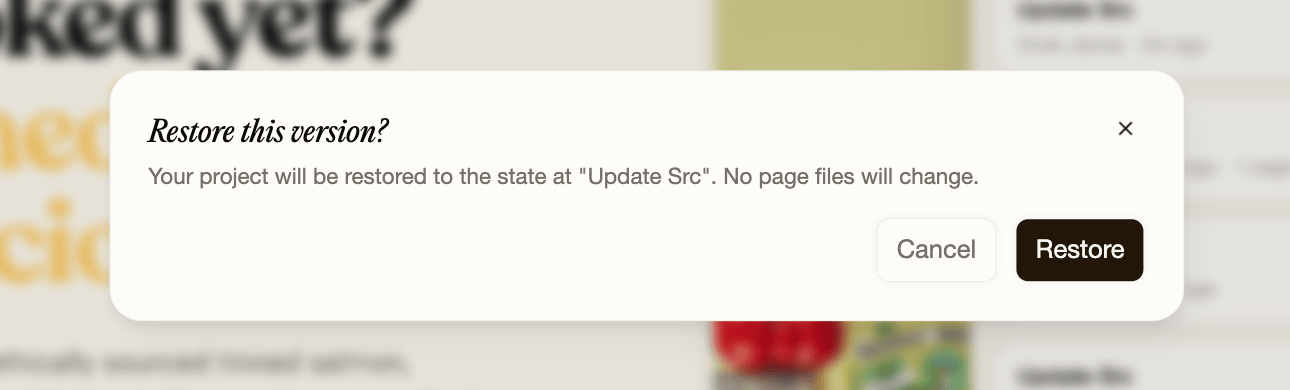
Hover any version to reveal Restore to this version.- Preview shows what that version looked like in the Website Builder, so you can compare before committing.
- Restore resets the page (or pages) back to that point in time.